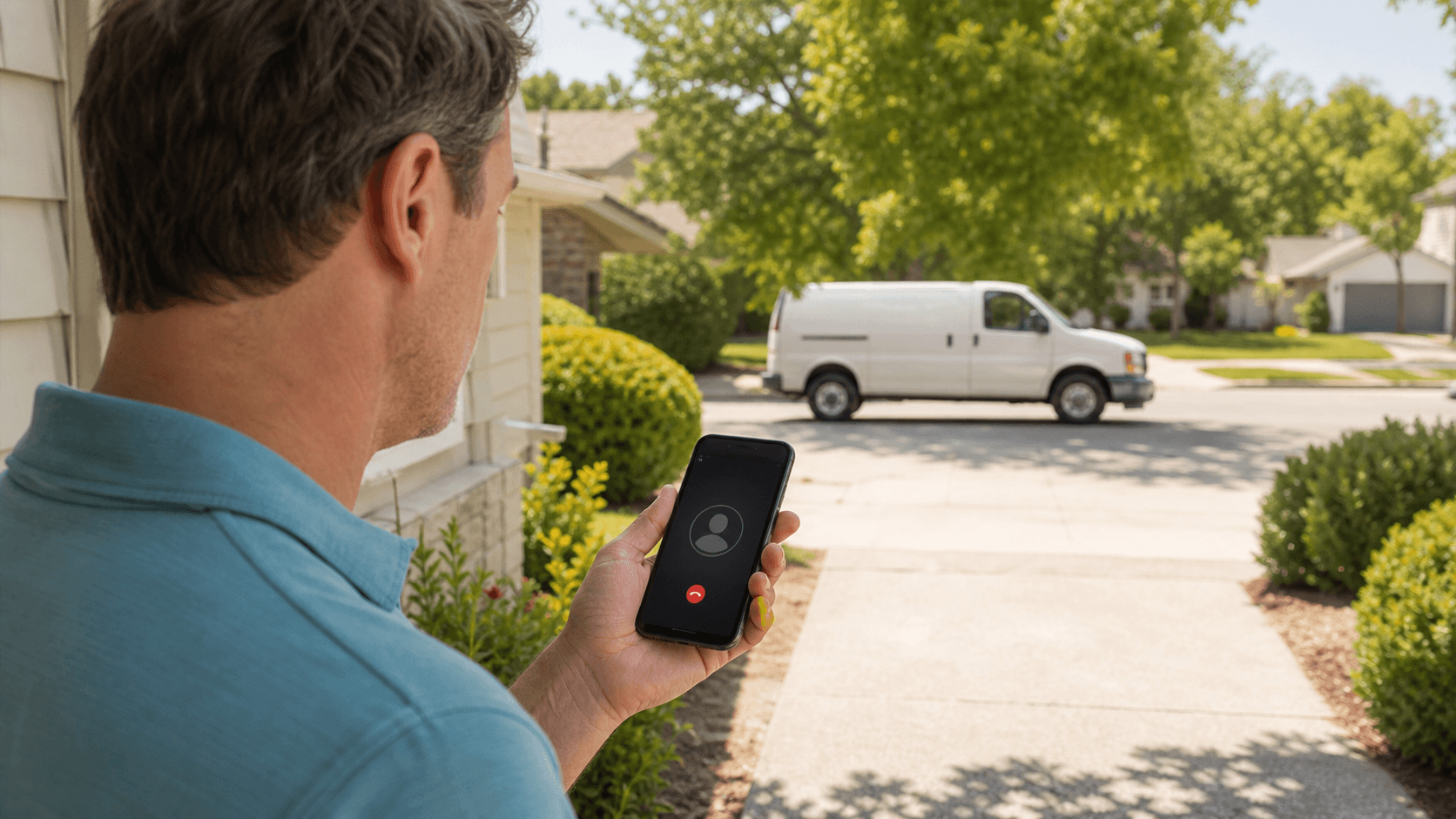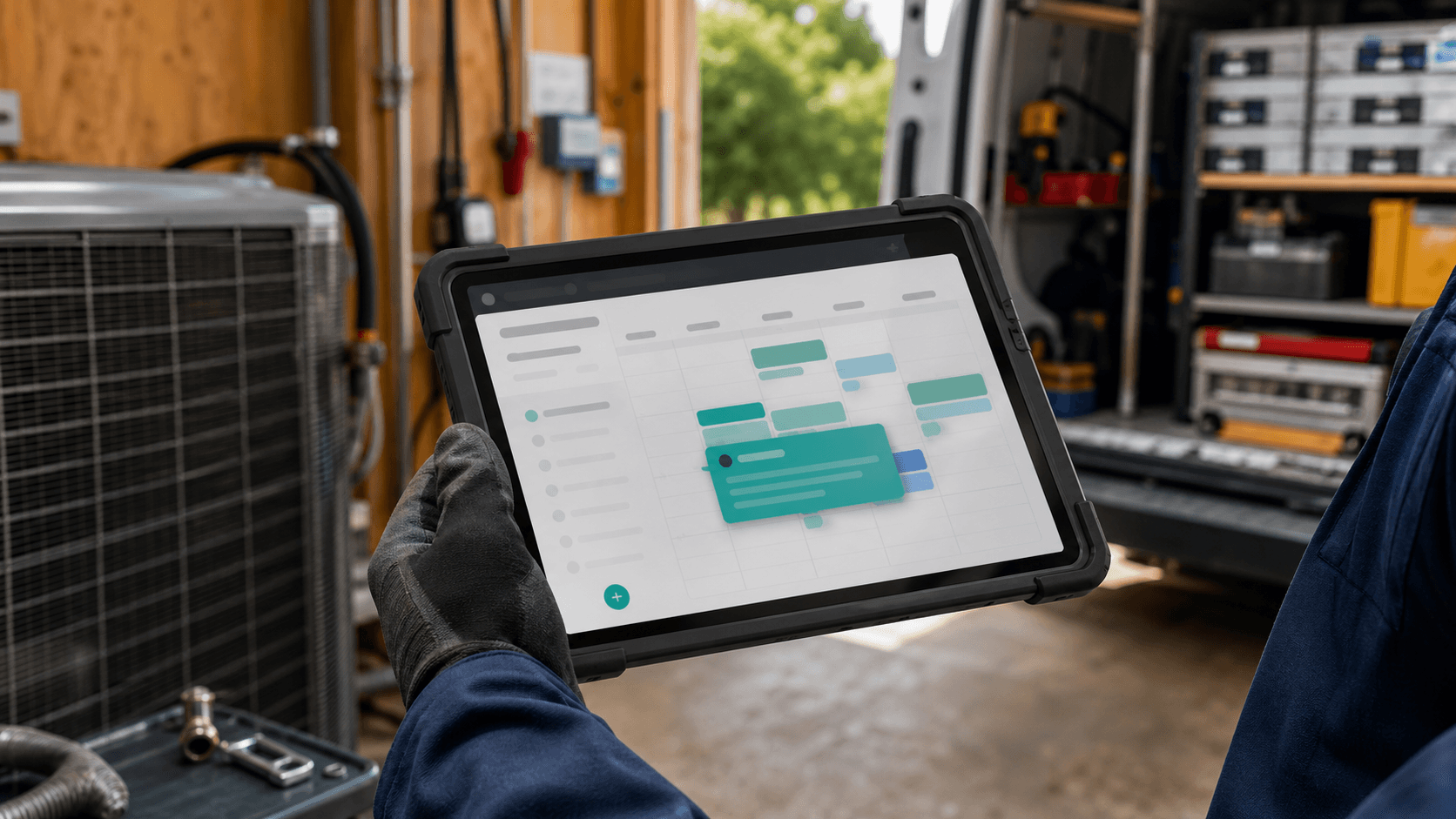
An AI receptionist and Jobber are most useful when they operate as one workflow. The phone conversation should not end as an isolated transcript that someone retypes later. It should produce the customer, request, visit details, and internal context your dispatcher needs to act.
The exact setup depends on your Jobber configuration and the integration method available to your account. The design principles are consistent: collect only the fields the team uses, validate before writing, avoid duplicate records, and make every automated action visible to a human.
Turn the conversation into a structured request
The receptionist begins with the fields needed to identify and route the caller: name, callback number, service address, problem, urgency, and preferred timing. It should confirm spelling and repeat critical details before the call ends. Free-form notes remain useful, but the operational fields should be structured.
For a new customer, the workflow can create the customer and property record before adding a request or visit. For an existing customer, it should search using reliable identifiers and update carefully. Ambiguous matches belong in a review queue rather than being merged automatically.
- Customer name and normalized phone number.
- Service address and service-area eligibility.
- Equipment or issue summary in the language your dispatcher expects.
- Urgency, preferred window, access notes, and approved fee acknowledgment.
Only offer windows the operation can keep
An integration should not treat every open calendar block as bookable. HVAC scheduling depends on work type, technician skill, geography, travel, same-day cutoff, emergency capacity, and the promises your office is willing to make. Encode those rules before exposing availability to the caller.
When the call falls outside the rules, create a request or task instead of forcing a visit. The receptionist can set a clear expectation—such as a dispatcher review—without inventing an arrival time. Reliable restraint is more valuable than an impressive but inaccurate instant booking.
Escalate first, then document the complete handoff
For a no-heat, no-cooling, burning-smell, or suspected gas concern, the call flow follows your emergency policy. Safety-related situations must receive the appropriate instruction and escalation; the software record supports the response but does not replace it.
The Jobber record should show what the caller reported, which questions were answered, who was alerted, when the alert was sent, and what expectation was given. That gives the on-call technician context before returning the call and creates an auditable timeline for the office.
Prevent duplicates and incomplete bookings
Duplicate customers and vague job notes create more work than they save. Normalize phone numbers and addresses, search before creating, use required-field validation, and mark the record source as the AI receptionist. If a write fails, preserve the call details and alert a person instead of silently dropping the action.
Review a sample of records each week during rollout. Compare the conversation with the customer, request, and visit that appeared in Jobber. Tighten prompts and mappings wherever staff still need to correct the same field repeatedly.
- Use idempotent writes so a retry does not create a second request.
- Keep the call recording or transcript link attached to the operational record when permitted.
- Separate customer-facing notes from internal dispatch context.
- Log integration errors with enough detail for a human to recover the booking.
Start with one call type and prove the handoff
Begin with a narrow workflow such as routine repair requests during overflow hours. Define success as accurate records, appropriate windows, and low correction time—not the number of automated calls. Once that flow is stable, add maintenance, estimates, after-hours routine calls, and emergency escalation in stages.
Measure booking rate, record accuracy, duplicate rate, dispatcher corrections, completed jobs, and completed revenue. The integration is working when the morning team opens Jobber and finds useful work ready to run instead of a second inbox to process.
The best integration disappears into the dispatcher's normal day: the call becomes a clean record, a valid next step, and no duplicate typing.
A Jobber integration should convert a call into a dependable operational record, not merely copy a transcript. Start narrow, enforce booking rules, make failures visible, and expand only after the dispatcher trusts the handoff.
See it answer your phones.
Book a 15-minute demo, or call the AI receptionist yourself and hear exactly how it books a job.